Instagram Reels downloader
At every wedding, the best angle is table nine.
Reel, post or carousel, as long as it's public. Paste its link above.
Public Reels and videos come out as MP4 files, carousels slide by slide, and a Reel's soundtrack as an MP3 if that's all you want. Your phone's browser can do it, iPhone or Android, and so can a computer's. Free. Your Instagram password stays with you.
Download every photo in an Instagram carousel
One slide,
one print.
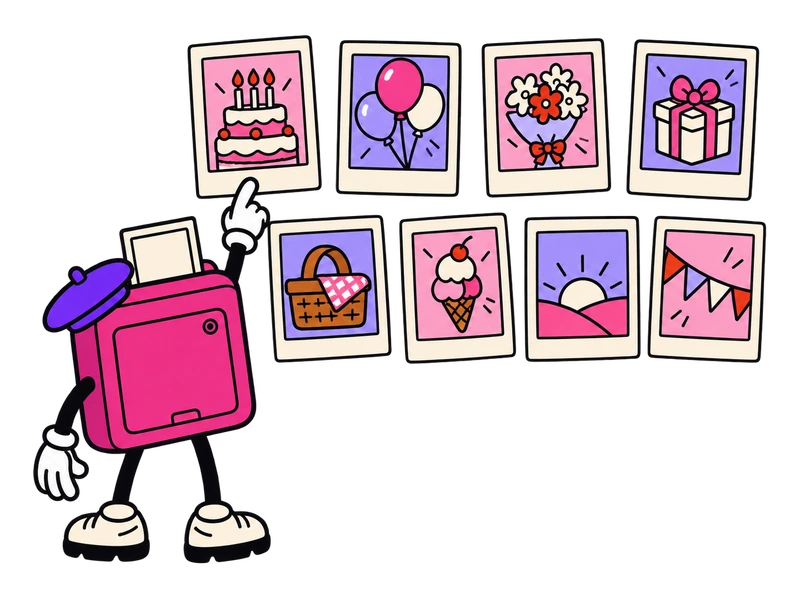
A carousel link brings every slide into the box, in the order Instagram shows them. Photos stay photos, and a clip tucked in among them comes out as MP4.
Save all takes the whole set. Or tap one slide, if the one with the cake is all you want.
The whole carousel counts as one download.
Copied the link while you were on slide 3? You still get all of them.
How to download Reels from the Instagram app
Start at the paper plane.
The app works the same on both phones. Step two is where people lose the thread, so it gets a second frame.
1Open the Reel or post and tap the paper plane: under the photo on a post, down the right-hand side on a Reel.
2Tap Copy link. It's in the row of round buttons at the bottom of the share sheet; swipe that row sideways if it's hiding.
2ALanded on a big QR code? That screen has no link to copy. Go back and use the paper plane.
3Back here, the box pegged to the line takes the paste. Hit Download.
Where the saved Reel ends up
iPhone. Safari's downloads all go to one place: Files, then Downloads. Open the Reel there and Save Video, in the Share menu, copies it to Photos. A carousel photo offers Save Image instead.
Android. The Downloads folder has it, and your gallery lists it under Download.
Computer. On instagram.com, open the post and copy the address bar; that's the link. The file goes to your Downloads folder.
Questions about saving from Instagram
The small print, pegged up big.
-
Why is my saved Reel silent?
Some Reels with licensed music come back without the song. When that happens, the file Instagram serves has no music track on it, and there's no way for us to add one. If every video on your phone sounds quiet, check the mute switch first.
-
Can I download Instagram Stories?
No. Instagram only shows Stories to people who are logged in, and 9vids doesn't ask for anyone's login, so Story and highlight links get a polite no at the box. Reels and posts from a public profile are fine.
-
Can I turn a Reel into an MP3?
Yes: switch the box to Audio only, and out comes the Reel's sound as an MP3, the only audio format we make. A link to a song's own audio page won't work, so paste a Reel that uses the song. If the Reel is silent, so is the MP3.
-
Do Instagram Reels download in HD?
If they were uploaded in HD, yes, up to 1080p. Reels and videos come as MP4 at the largest size Instagram offers for that post. Photos arrive as Instagram stores them, up to 1080 pixels wide. Nothing gets upscaled, so a blurry upload stays blurry.
-
What about private accounts or whole profiles?
Private accounts, no. We only see what someone who isn't logged in would see. Whole profiles, no again: one link brings back one post. Leaving Instagram and want everything you've posted? Instagram's own Export your information, in Accounts Center, sends you the lot.
The allowance is 5 downloads an hour and 10 a day, counted over the last hour and the last 24 hours. A whole carousel uses one, however many slides it has. A failed link uses none, and pasting the same link again within 30 minutes is free. Private accounts, Stories and videos over an hour are refused. Our server passes each file to you and holds on to none of them. Save links run out after about 10 minutes. Sound comes as MP3 only. Instagram is a Meta trademark, and 9vids has no connection to either.